Remove Green Screen From Video
Skip the key, not the sheet
Upload footage you already shot on green and download it with the sheet gone, no chroma key or relight required first.
Three free frame previews a day, no sign-in needed 2 credits per second of video No watermark on paid downloads See pricing
Upload footage shot on your green screen
Try an example
How to remove green screen from video
Upload the clip, choose Transparent WebM or ProRes 4444 MOV, and the sheet is gone without keying.
1Upload your clip
Click Upload video or drop an MP4, MOV or WebM up to 30 seconds and 100 MB.
2Choose subject and format
Pick People or Objects & pets and one of four downloads. The credit cost shows before you start.
3Download the result
About 5 minutes for a 30-second clip. You can leave the page while it runs.
Pick the file for where it is going



What the model separates without a colour key
The original clip and its cut-out play in sync under one divider. Drag it across, then compare the stills below.
AI-generated sample clip. The cut-out is real, unedited output from the People model.
Download this example (WebM with alpha)Still frames


Product
Video model output

Hands
Free frame preview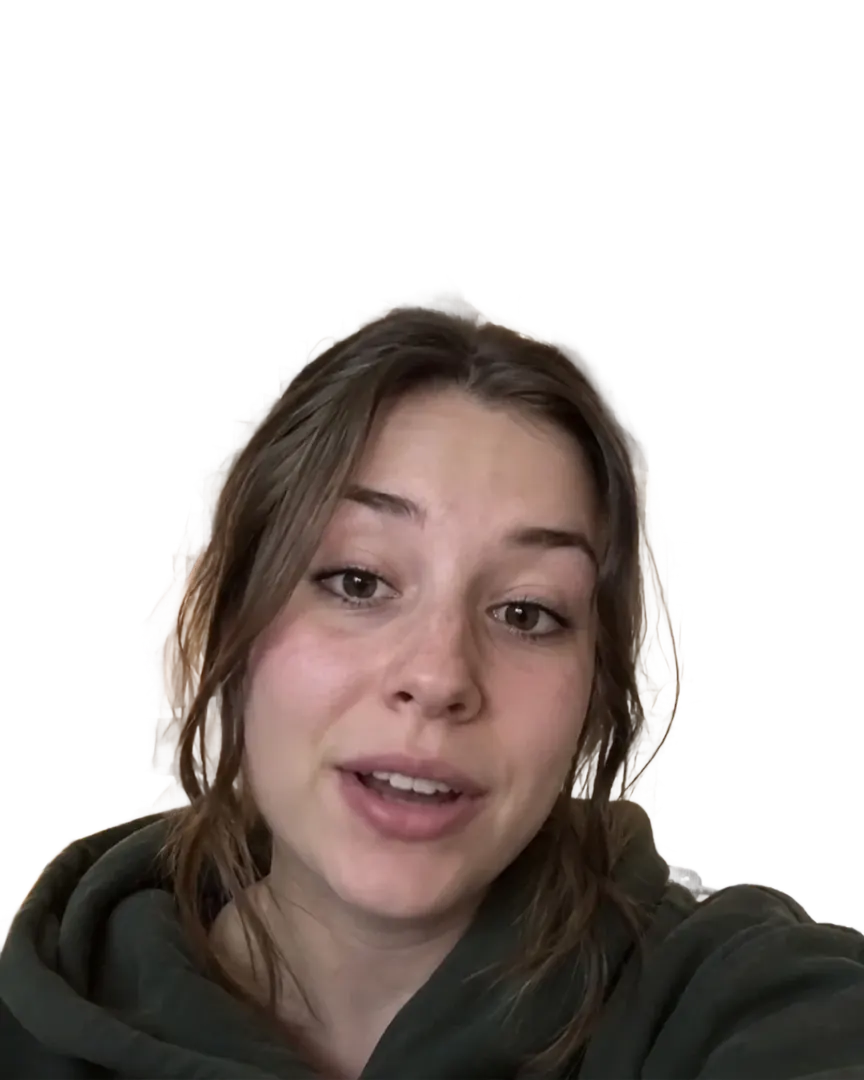
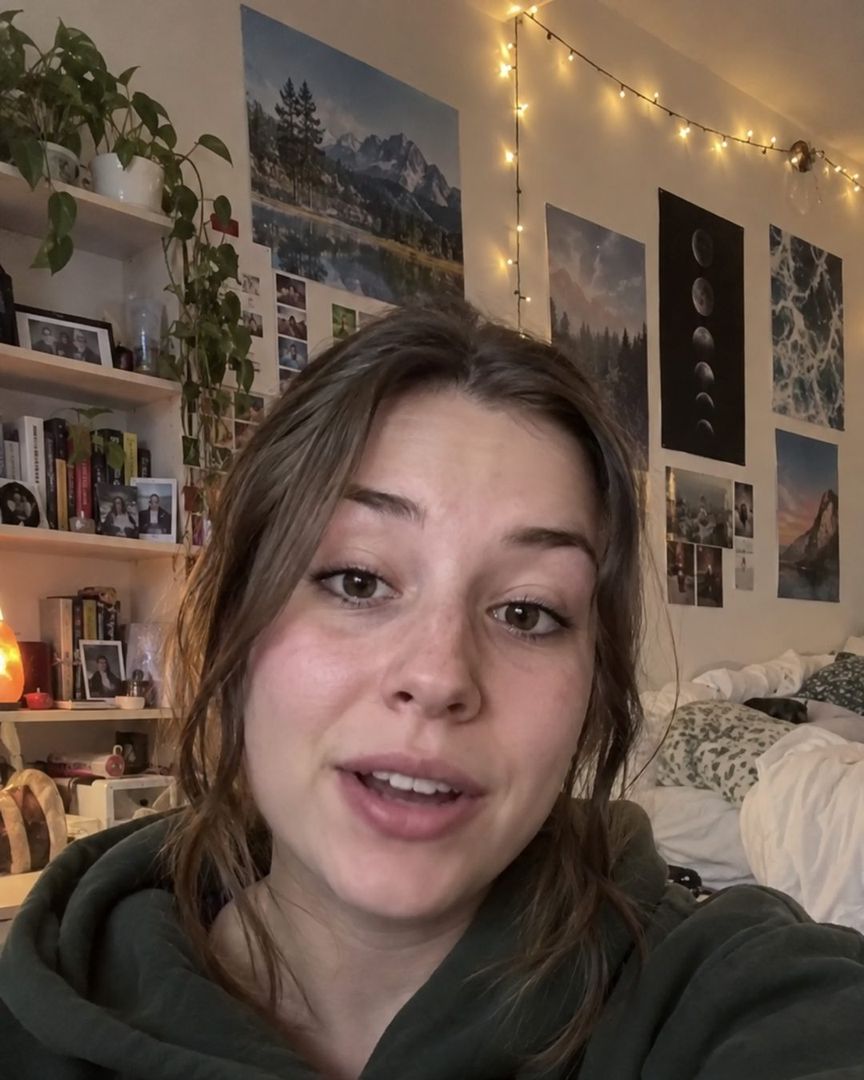
Vertical
Free frame preview
Removing a green screen in detail
Your green screen footage, without the green screen step
A colour key removes one shade of green and everything near it. This model separates the subject from the whole scene instead, so a wrinkled sheet or uneven light does not need fixing first. Green spill is a separate question, below.
What actually breaks a green screen key
A chroma key removes one colour and treats anything close to it the same way, which is why a real backdrop causes trouble a flat colour swatch never would: green light bouncing off the sheet onto skin or hair (spill), creases and folds in the fabric catching shadow at a slightly different shade, uneven studio lighting darkening one edge of the sheet, and the backdrop's stand or frame poking into frame at the edges.
None of these are failures of the footage. They are ordinary conditions of shooting on a physical sheet rather than a lit, seamless cyclorama, and a colour key has no way to tell "shadow on green fabric" from "green fabric that should be removed".
Chroma key vs. this model, on the same green screen clip
Scroll the table sideways to see every column.
| Your editor's chroma key | This model | |
|---|---|---|
| Needs one clean, even colour | Yes | No |
| Green spill on skin or hair | Has to be corrected separately | Not colour-based, but untested on spill specifically -- see FAQ |
| Wrinkles, shadows on the sheet | Can key unevenly or leave a fringe | Separates the subject from the whole frame, sheet included |
| Backdrop stand or frame edge visible | Has to be masked out by hand | Treated as background like everything else |
| Setup before keying | Pick a colour, tune tolerance and edge feather | None: upload and choose an output |
Getting a clean file from the upload
Choose Transparent WebM for a web page, or ProRes 4444 MOV for an editing timeline, and the sheet is gone in the alpha channel rather than replaced by another colour. If the app you are taking the file into only accepts ordinary video, choose Green screen MP4 instead: it puts the subject back on a flat #00FF00 for a colour key downstream, which is a different job from removing the one you already shot on, but it fits where alpha is not an option.
File size once the sheet is gone
Same clip, same length, the alpha-channel downloads that replace a colour key.
- Transparent WebM
- About 23 MB
- VP9 video with an alpha channel
- ProRes 4444 MOV
- About 975 MB
- About 260 Mbit/s, alpha channel included
- Frame size and frame rate
- 1080x1920 at 30 fps
- Unchanged in every download, duration included
File sizes are locally measured, September 2026: the same ffmpeg arguments the container runs, against one 1080x1920 clip at 30 fps, 30 seconds of it unless a tile says otherwise. Wait times are from provider runs. These are what that clip produced, not a figure for yours.
Previews are processed at up to 720p. Paid downloads keep the original frame size. Uploads are deleted after 24 hours, finished downloads after 7 days.
Frequently asked questions
Yes. Upload the footage, choose People or Objects & pets, and pick Transparent WebM or ProRes 4444 MOV as the output. The model separates the subject from the whole frame rather than removing one colour, so there is no key to tune, no tolerance slider and no edge feather to set. A 30-second clip takes about 5 minutes.
It should not, because the model is not looking for a colour to remove. A chroma key treats spill the same as the backdrop itself, since both are the same shade of green, which is why spill is a named problem in colour keying and not here. We have not run a controlled test isolating spill specifically, so check the free preview on your own clip before paying for the full length.
Less than it would for a colour key. A crease or a shadowed patch on the sheet reads as a slightly different shade of green, and a key tuned for the brightest part of the backdrop often leaves that patch behind or cuts a hole in the subject next to it. This model separates the subject from the entire scene rather than matching one colour, so an uneven sheet does not need relighting or a second key pass first.
A stand or a visible edge behind the subject is treated as background, the same as anything else outside the subject, and removed with it, with no hand-keyed edge mask needed. We have not tested a stand or a hand crossing in FRONT of the subject rather than only behind it, so check the free preview on your own clip if your shot has one.
Opposite jobs. Green screen video takes ordinary footage, with no backdrop at all, and puts the subject on a flat #00FF00 for you to key later in an editor. This page takes footage you already shot on a real green screen and removes that sheet directly, with no keying step. If you are not sure which you need: no backdrop yet, want one for later, use that page; backdrop already shot, want it gone now, use this one.
Transparent WebM for a web page, ProRes 4444 MOV for Final Cut Pro or DaVinci Resolve, per their own import-format lists. Choose the green screen MP4 only if the app you are taking the file into has no alpha support at all and needs an ordinary video with a colour to key -- that trades the sheet you already have for a cleaner one from our encoder, rather than removing it outright.
You get up to three free watermarked frame previews a day with no account at all. After you sign in you get up to 20 frame previews a day and one free 5-second video preview a day. Previews are watermarked and processed at up to 720p. A full clean file costs 2 credits per second of video, the cost is shown before you start, and it downloads without a watermark at your original frame size.