Make Video Background Transparent
Skip the frame-by-frame masking
For when you need the subject of a clip on nothing at all, without masking it by hand in an editor.
Three free frame previews a day, no sign-in needed 2 credits per second of video No watermark on paid downloads See pricing
Drop in the clip you were going to mask by hand
Try an example
How to make video background transparent
The model draws a matte for each frame and applies it, so there is nothing to mask by hand.
1Upload your clip
Click Upload video or drop an MP4, MOV or WebM up to 30 seconds and 100 MB.
2Choose subject and format
Pick People or Objects & pets and one of four downloads. The credit cost shows before you start.
3Download the result
About 5 minutes for a 30-second clip. You can leave the page while it runs.
Pick the file for where it is going




What the transparency looks like once it is in a file
The original clip and its cut-out play in sync under one divider. Drag it across, then compare the stills below.
AI-generated sample clip. The cut-out is real, unedited output from the People model.
Download this example (WebM with alpha)Still frames


Pet
Video model output

Product
Video model output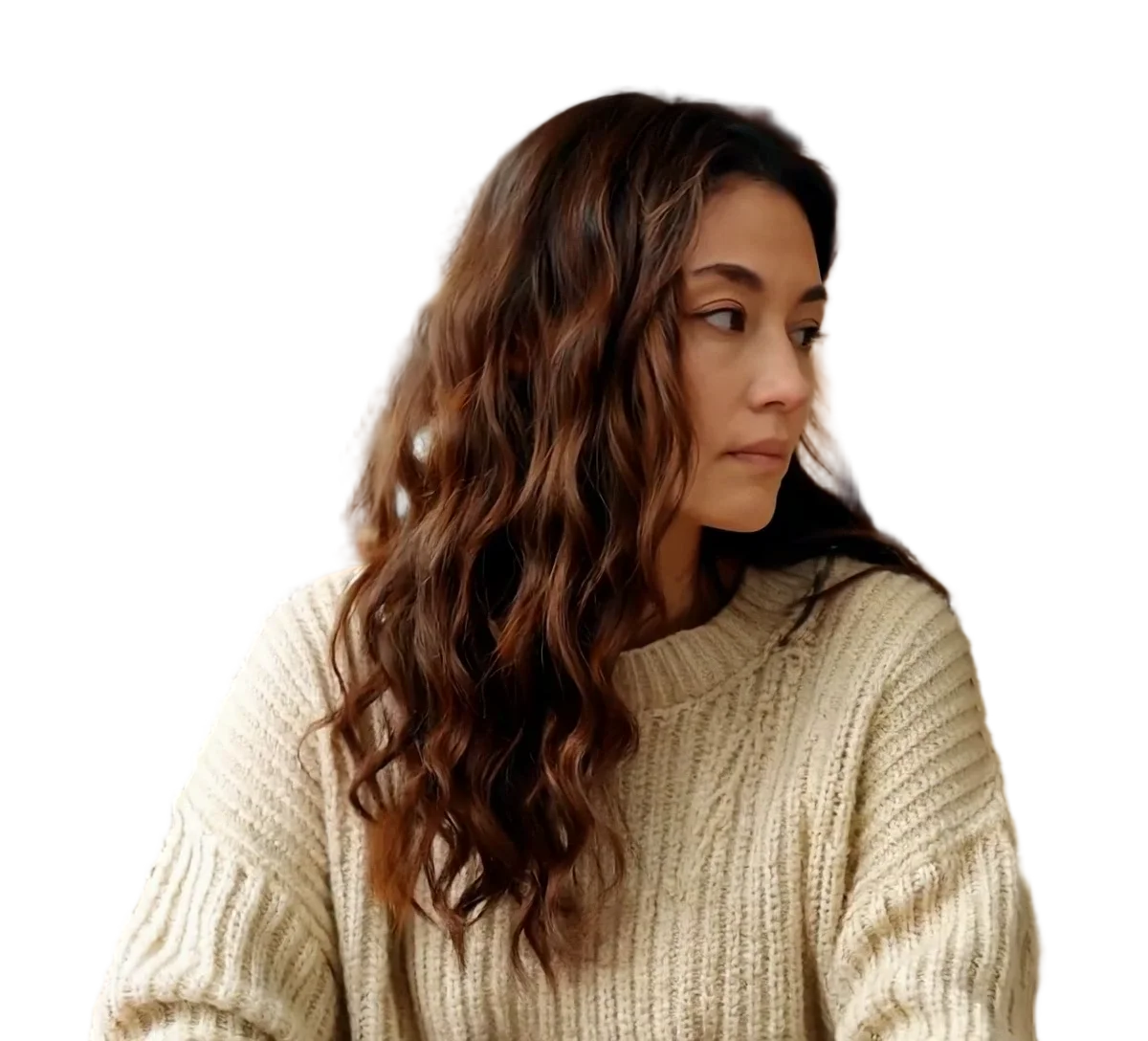

Person
Video model output
Which download is transparent, and which only looks it
From frame-by-frame masking to one upload
Masking a subject by hand means redrawing it on every frame: 900 masks for a 30-second clip at 30 fps. Here the model draws a matte for each frame and applies it, and our 30-second test clip was done in about 5 minutes.
Which download is actually transparent
Four of the downloads are about transparency, and only two of them contain it. The other three outputs replace the background, blur it, or write a transparent GIF.
Scroll the table sideways to see every column.
| You choose | What you get | Transparent? | Open it in |
|---|---|---|---|
| Transparent WebM | VP9 video with an alpha channel | Yes | Chrome or Firefox; Safari plays it without transparency |
| ProRes 4444 MOV | Editing video with an alpha channel | Yes | Final Cut Pro or DaVinci Resolve 20 |
| Green screen MP4 | H.264 video on flat #00FF00 green | No, key out the green | An editor with a chroma key |
| Alpha mask | A black and white matte video | No, use it as a matte | An editor with luma or track mattes |
Sources
- Chrome, Firefox and Safari: Jake Archibald, video with transparency on the web (2024)
- Final Cut Pro: Apple Support, Final Cut Pro import formats
- DaVinci Resolve 20: Blackmagic Design, DaVinci Resolve supported codec list, July 2025 (PDF)
Why a transparent video can look black
Transparency is stored in the file as an alpha channel, and the app playing the file has to read it. When it does not, the see-through area is shown as a solid colour, such as black, even though the transparency is still in the file.
Safari is a documented case: it plays VP9 WebM, but not VP9 with transparency. To check a WebM, open it in Chrome or Firefox. To check a MOV, import it into Final Cut Pro or DaVinci Resolve rather than a media player.
Sources
- Chrome, Firefox and Safari: Jake Archibald, video with transparency on the web (2024)
Why an MP4 cannot be transparent
The usual MP4 holds H.264 video, and H.264 has no alpha channel, so there is nowhere in the file to store transparency. Choosing MP4 always means a background of some colour.
If the app you use accepts only MP4, take the green screen MP4 and remove the green with its chroma key, or check whether the app also imports MOV.
How long it takes and how big the files get
900 frames in about 5 minutes. The file size then depends on which download you pick.
- Wait for the 30-second clip
- About 5 minutes
- Provider runs: 272 s and 300 s, one per subject mode
- Transparent WebM
- About 23 MB
- VP9 video with an alpha channel
- ProRes 4444 MOV
- About 975 MB
- About 260 Mbit/s, alpha channel included
- Green screen MP4
- 12 to 15 MB
- H.264 video on #00FF00 green
- Frame size and frame rate
- 1080x1920 at 30 fps
- Unchanged in every download, duration included
File sizes are locally measured, September 2026: the same ffmpeg arguments the container runs, against one 1080x1920 clip at 30 fps, 30 seconds of it unless a tile says otherwise. Wait times are from provider runs. These are what that clip produced, not a figure for yours.
Previews are processed at up to 720p. Paid downloads keep the original frame size. Uploads are deleted after 24 hours, finished downloads after 7 days.
Frequently asked questions
Sign in, upload an MP4, MOV or WebM of up to 30 seconds, and choose People or Objects & pets. Keep the output on Transparent WebM for a web page, or switch it to ProRes 4444 MOV for an editor, then press Remove background. Our 30-second test clip took about 5 minutes. Download the file when it is ready; the sound and frame size of your clip are kept.
Not a standard one. An MP4 normally holds H.264 video, and H.264 has no alpha channel, so there is nowhere to store transparency. Choose transparent WebM or ProRes 4444 MOV instead. If the app you are using only accepts MP4, take the green screen MP4 and remove the green with that app's chroma key.
No. A 30-second clip at 30 frames per second has 900 frames, and masking by hand means drawing the subject on each one. Here the model makes the matte for every frame and applies it for you. Our 900-frame test clip was finished in about 5 minutes. There is no brush or keyframing in the tool, so you cannot correct a single frame inside it.
The player is not reading the alpha channel, so it shows the transparent area as a solid colour. Safari, for example, plays VP9 WebM but not its transparency. The transparency is still in the file: open a WebM in Chrome or Firefox, or import a MOV into Final Cut Pro or DaVinci Resolve 20, which both list ProRes 4444. A phone gallery is not a reliable way to check.
You can see the result for free, without an account for the first one, but a full clean file costs credits. Signed out, you get up to three watermarked frame previews a day. After signing in you get up to 20 frame previews a day and one watermarked 5-second video preview a day with the model version for your subject. Previews are processed at up to 720p. Processing the full clip costs 2 credits per second of video, so a 30-second clip is 60 credits, shown before you start, and it keeps your original frame size.
A separate black and white video where white marks the subject and black marks the removed background, matching your clip frame for frame. You need it when you want to grade or composite the original footage yourself, using the mask as a luma or track matte in your editor, instead of taking the finished cut-out. The transparent video maker page walks through the matte workflow.
No. The model keeps the main subject and removes everything else, and there is no brush or selection tool for keeping extra areas. If you need part of the scene back, export the alpha mask, paint the areas you want to keep white in your editor, and use the edited mask as a matte over your original footage.
The transparent WebM and ProRes 4444 MOV store the edge in the alpha channel, so partly transparent pixels around hair can be kept rather than cut to a hard line. Motion blur and a subject that blends into the background are the hardest cases for any matting model. Watch the free 5-second preview of your own clip closely around hair and hands before you process the full length.