Remove Background From GIF
A cut-out that still posts as a GIF
Upload an animated GIF or a video, check one frame free, and download a GIF with nothing behind the subject.
Three free frame previews a day, no sign-in needed 2 credits per second of video No watermark on paid downloads See pricing
 GIF
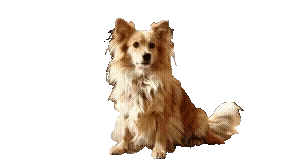
GIFA real GIF, 288px, 504 KB — the WebM beside it is the same clip at your own frame size, with soft edges.
Upload the GIF
Try an example
Transparent GIF size, caps and edges
What a transparent GIF is good for
A GIF plays in places that will not play a video: a chat window, a forum post, an email signature. The trade is its alpha. GIF stores one bit of it, so every pixel is either fully there or fully gone.
What comes back, and how big it is
The caps are code, fixed in the encoder rather than offered as a setting. The size beside them is what one 5-second clip encoded to locally, so read it as a scale rather than as your number.
- Transparent GIF
- 8.61 MB
- 5 s of the 1080x1920 clip, at the 360x640 cap
- Transparent GIF cap
- 640 px, 15 fps
- Fixed in the encoder: 1080x1920 returns 360x640
- Wait for the 30-second clip
- About 5 minutes
- Provider runs: 272 s and 300 s, one per subject mode
File sizes are locally measured, September 2026: the same ffmpeg arguments the container runs, against one 1080x1920 clip at 30 fps, 30 seconds of it unless a tile says otherwise. Wait times are from provider runs. These are what that clip produced, not a figure for yours.
Is a transparent GIF really 9x the size
It was on the clip that number came from, and it was not on ours. These are two different clips, not one clip measured twice: each row is its own footage encoded both ways, once with a palette slot reserved for alpha and once without.
Scroll the table sideways to see every column.
| Clip | Transparent GIF | Ordinary GIF | Ratio |
|---|---|---|---|
| A 3 s 480x272 clip, measured when the cap was chosen | 7.8 MB | 0.89 MB | About 9x |
| Our 5 s 1080x1920 clip, at the 360x640 cap | 8.61 MB | 9.44 MB | About the same |
The second row is a local encode, run with the same ffmpeg arguments the tool uses. The first is the measurement that set the cap, taken before the feature was built and on footage small enough that the cap never applied. Neither is a prediction for your clip. The multiplier belongs to the footage rather than to the format. Reserving a palette colour for transparency and re-encoding every region the cut-out edge moves through is expensive against a plain background and close to free against a busy one, because cutting a busy background out removes more detail than the alpha adds. That is why the cap is a fixed 640 px and 15 fps, set in the encoder, and not an estimate of your file size.
Why the edges are hard
A WebM or a MOV stores alpha as a value per pixel, so a strand of hair can be half transparent. A GIF has no alpha channel at all. It reserves one colour in its palette to mean "nothing here", which makes transparency a yes or no decision per pixel.
Ours is made at a threshold of 128: a pixel more than half opaque is kept whole, the rest disappears. Hair, motion blur and a soft shoulder line are where you see it, as a stepped edge rather than a fade. No encoder setting fixes this, because the format has nowhere to put the in-between value.
A GIF goes in, a video can come out
The upload and the download are separate choices. An animated GIF is accepted as a source under the same limits as a video, 30 seconds and 100 MB, and is converted to H.264 before the model sees it, so it runs through exactly the path an MP4 runs through.
That means you can hand over a GIF and take back a transparent WebM at the frame size the GIF cap would have taken away, or a green screen MP4 for an editor. A GIF that reports a single frame is refused: it is a picture, and there is nothing to animate.
When to take the WebM instead
Take the GIF when the destination cannot play video. Take the WebM when it can: it keeps your original frame size and frame rate instead of 360x640 at 15 fps, it keeps soft edges around hair, and on our 5-second test clip it encoded to 3.52 MB against the GIF's 8.61 MB, for far more picture.
Safari plays a VP9 WebM without its transparency, which is the one case where a GIF is the safer file for a web page.
Sources
- Chrome, Firefox and Safari: Jake Archibald, video with transparency on the web (2024)
Previews are processed at up to 720p. Paid downloads keep the original frame size. Uploads are deleted after 24 hours, finished downloads after 7 days.
How to remove background from GIF files
Upload an animated GIF or a video, leave the output on Transparent GIF, and the download loops with the background gone.
1Upload your clip
Click Upload video or drop an MP4, MOV or WebM up to 30 seconds and 100 MB.
2Choose subject and format
Pick People or Objects & pets and one of four downloads. The credit cost shows before you start.
3Download the result
About 5 minutes for a 30-second clip. You can leave the page while it runs.
Pick the file for where it is going



The cut-out these GIFs are cut down from
The original clip and its cut-out play in sync under one divider. Drag it across, then compare the stills below.
AI-generated sample clip. The cut-out is real, unedited output from the People model.
Download this example (WebM with alpha)Still frames


Hair
Free frame previewThe curls keep a pale halo of the room light all the way round, and the plant leaf behind her head left a green smear.
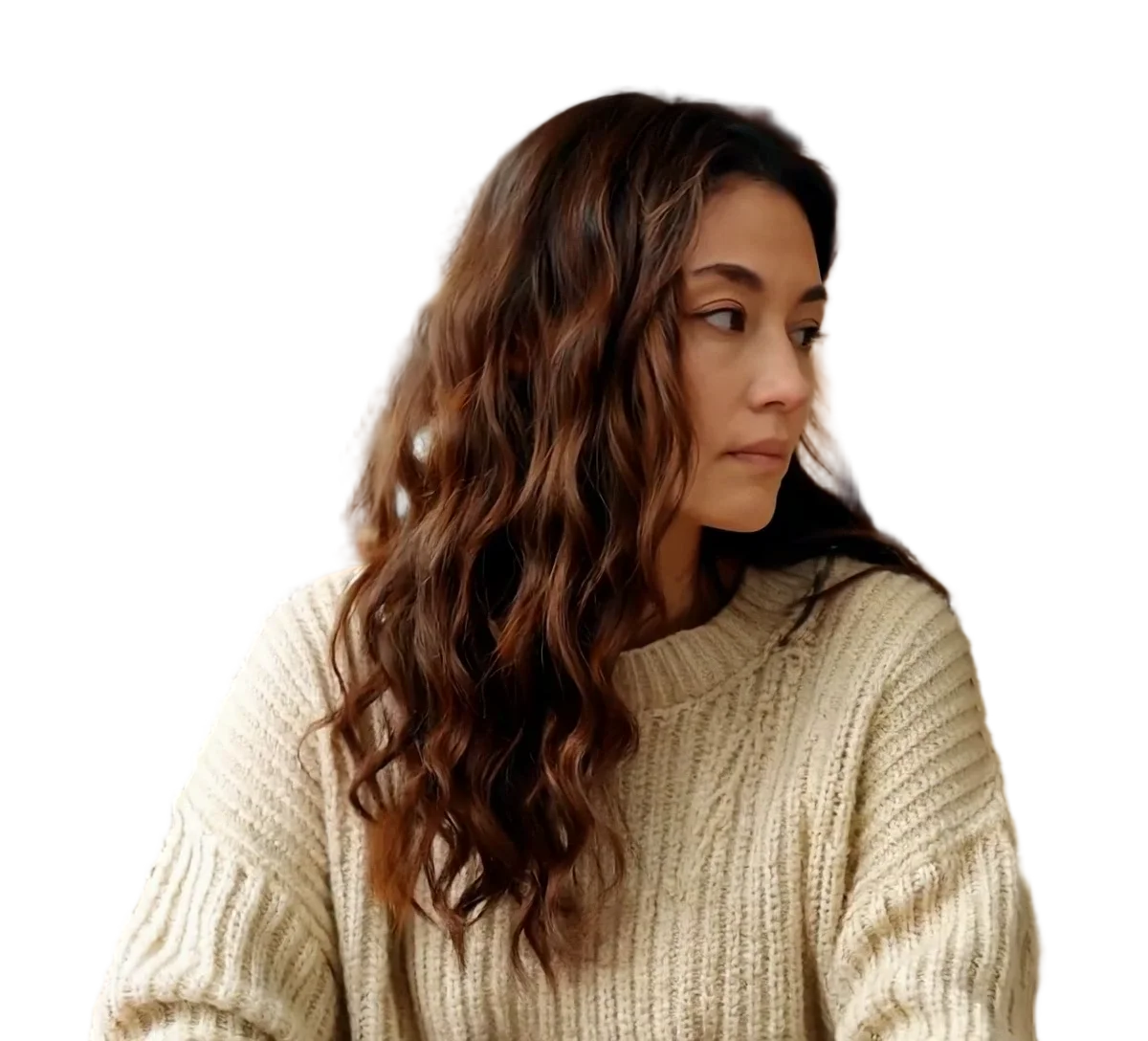

Person
Video model output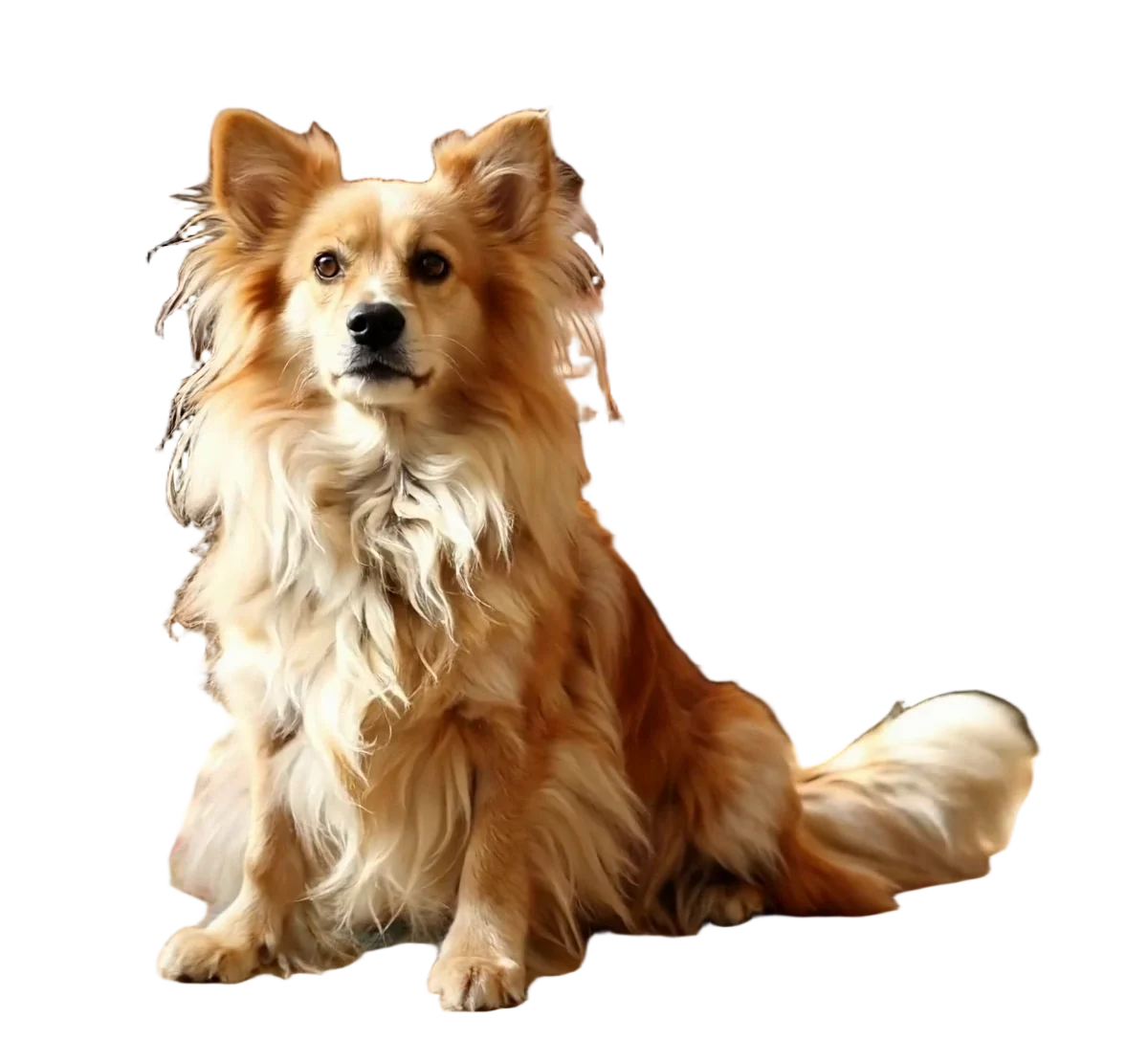
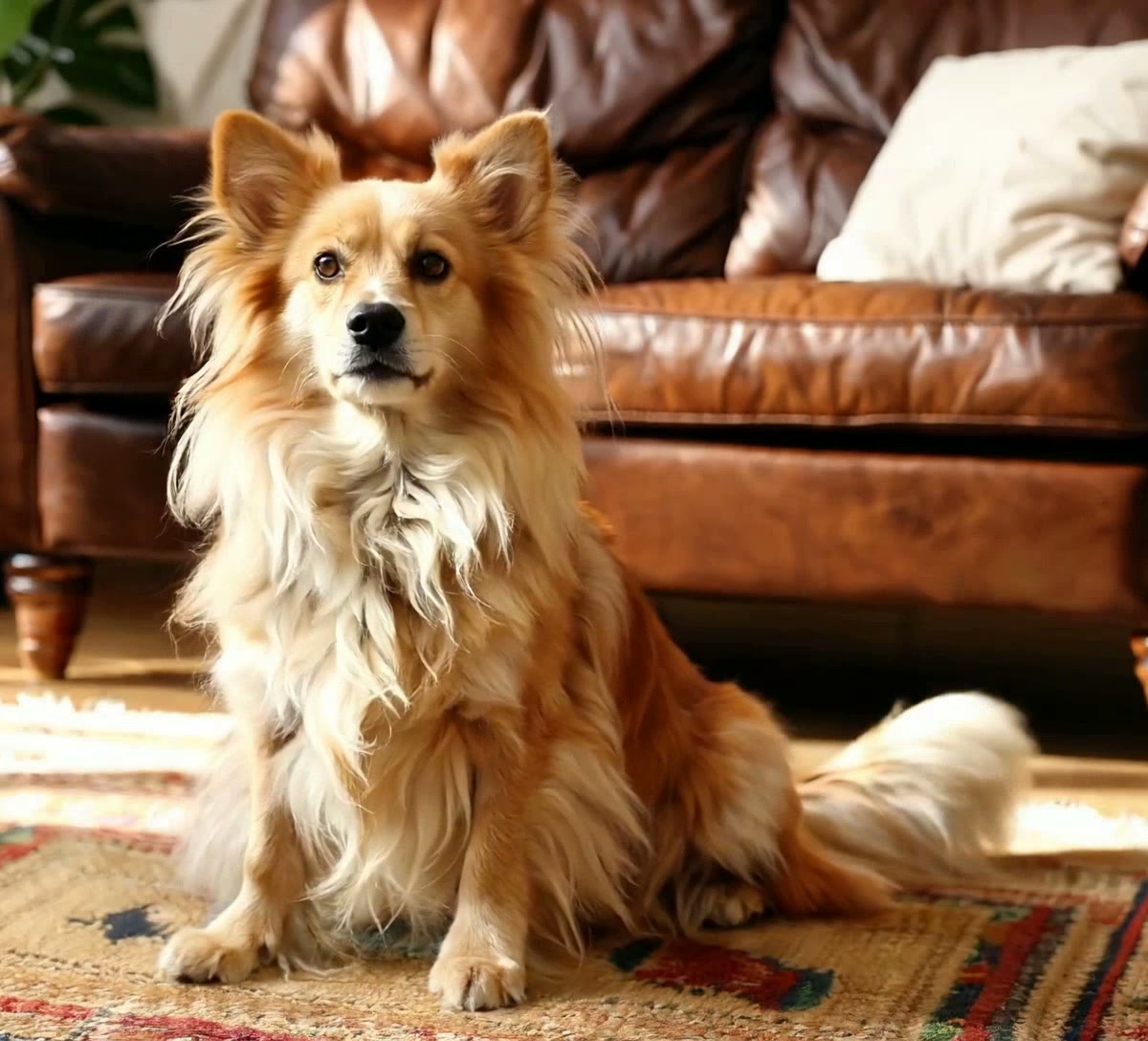
Pet
Video model output
Frequently asked questions
Upload the GIF, choose People or Objects & pets, and leave the output on Transparent GIF. The model cuts the subject out of every frame and you download a looping GIF with the background gone. Uploads are limited to 30 seconds and 100 MB, and the cost is 2 credits per second of the clip, shown before you start. Check the free frame preview first: a GIF edge is a hard edge, and one frame tells you whether that suits your subject.
A GIF stores whole frames of indexed colour rather than the differences a video codec stores, and reserving a palette colour for transparency means every region the cut-out edge passes through has to be written again. Our own 5-second 1080x1920 test clip encoded to 8.61 MB locally, already reduced to 360x640 at 15 fps, which is the scale to expect rather than a figure for your clip. If that is too big for where you are posting it, shorten the clip: length is the only part of the size still in your hands, since the frame size and frame rate are capped for you.
Long side 640 px and 15 fps, whatever you upload. A 1080x1920 clip comes back 360x640. The caps are applied in the encoder rather than offered as an option, because an uncapped 1080x1920 transparent GIF is tens of megabytes of a format nobody can attach to anything. Every other output keeps your original frame size and frame rate: if you need those, take the transparent WebM or the ProRes 4444 MOV of the same upload.
Because GIF transparency is one bit. There is no alpha channel, only a palette colour meaning "nothing here", so each pixel is either fully opaque or fully gone; ours decides at a threshold of half opaque. A strand of hair that should be 40 per cent transparent has to become one or the other. The same cut-out as a transparent WebM keeps the in-between values and looks smooth, which is the reason to take the WebM wherever a video will play.
Yes, and it is often the better trade. An animated GIF is accepted as a source and converted to H.264 before the model sees it, so every output is available from it: transparent WebM, ProRes 4444 MOV, green screen MP4, the alpha mask, a replaced background or a blurred one. Only the Transparent GIF output carries the 640 px and 15 fps cap. The image tools that rank for this search take a GIF and hand back a GIF.
Not here. This tool finds the subject and removes everything else, so transparency is the result of the cut-out rather than something applied to a colour you nominate. If you want one flat colour knocked out of a GIF, that is a chroma key and a different job. What this does give you is the reverse: the subject on flat green as an MP4, from green screen video, which any editor can key.
No, and nothing could. The GIF format has no audio track, so the sound of your upload is dropped when the GIF is written rather than being stripped by a setting. If the clip needs its audio, take one of the video outputs instead: the transparent WebM, the ProRes 4444 MOV, the green screen MP4, a replaced background or a blurred one all carry the source audio through unchanged.
No. A GIF that reports one frame is refused with a message naming the reason, because there is no animation to cut out and the result would be a picture, which is not what this tool is for. Anything with two frames or more is treated as a clip and runs the normal path. If your file is a still, an image background remover is the right tool rather than this one.
Anywhere that draws GIF alpha, which includes every current browser. What we cannot tell you is how a particular chat app, forum or mail client renders it, because we have not tested them and they vary: some composite a GIF onto white, some onto the surrounding theme colour, which changes how a hard edge reads on a dark background. Post one and look at it before you rely on it in a signature.