Video Background Changer
Put your subject somewhere else
Upload a clip, pick a colour or a background image, and download it composited at your original frame size.
Three free frame previews a day, no sign-in needed 2 credits per second of video No watermark on paid downloads See pricing
 Composited as you click
Pick the new background
Try an example
How the video background changer works
Upload a clip, choose a solid colour or a still of your own, and download an MP4 with your subject on it.
1Upload your clip
Click Upload video or drop an MP4, MOV or WebM up to 30 seconds and 100 MB.
2Choose subject and format
Pick People or Objects & pets and one of four downloads. The credit cost shows before you start.
3Download the result
About 5 minutes for a 30-second clip. You can leave the page while it runs.
Pick the file for where it is going



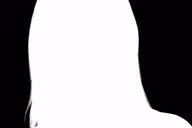
The cut-out that gets placed on your background
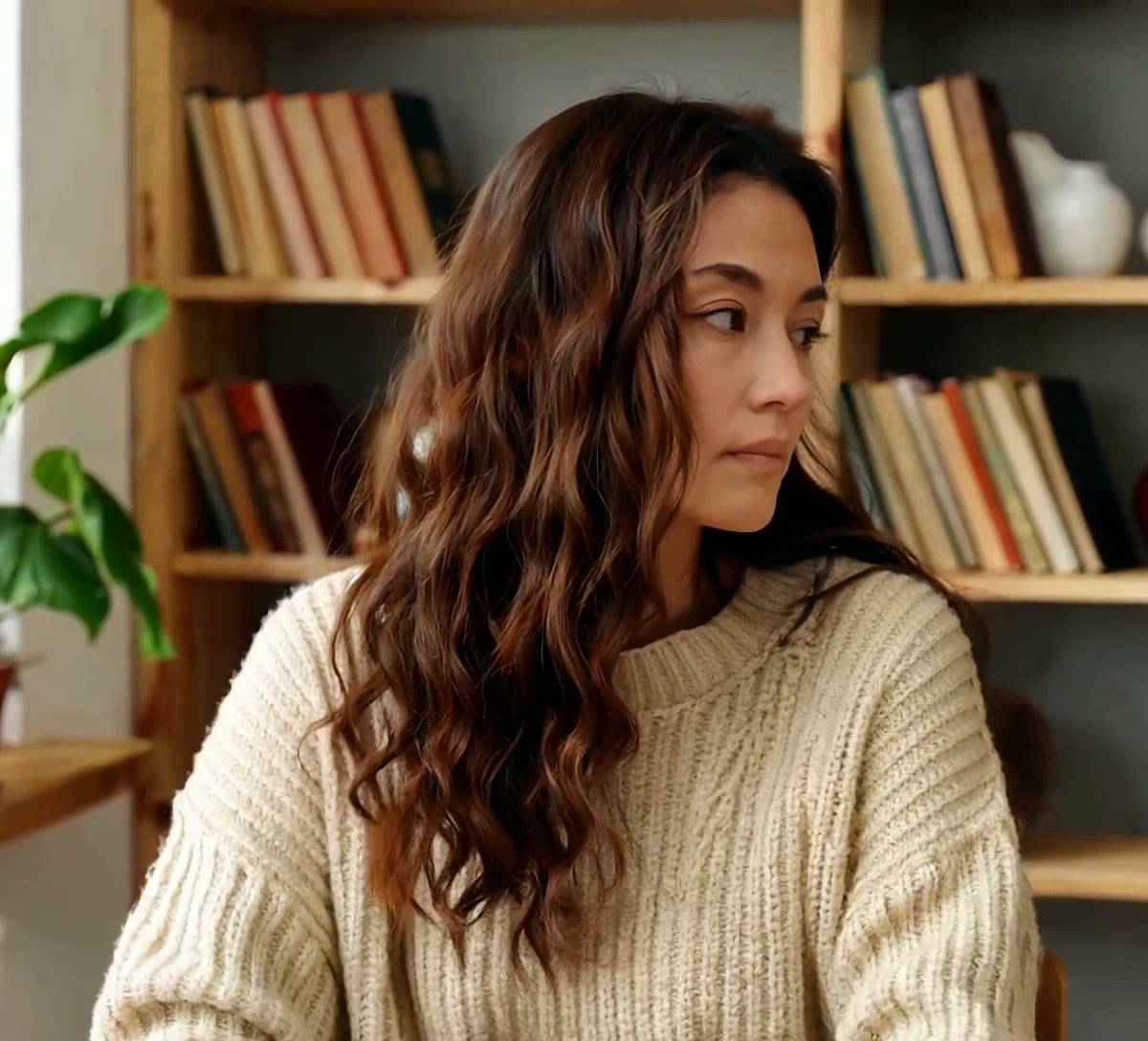
The original clip and its cut-out play in sync under one divider. Drag it across, then compare the stills below.
AI-generated sample clip. The cut-out is real, unedited output from the People model.
Download this example (WebM with alpha)Still frames


Hands
Free frame preview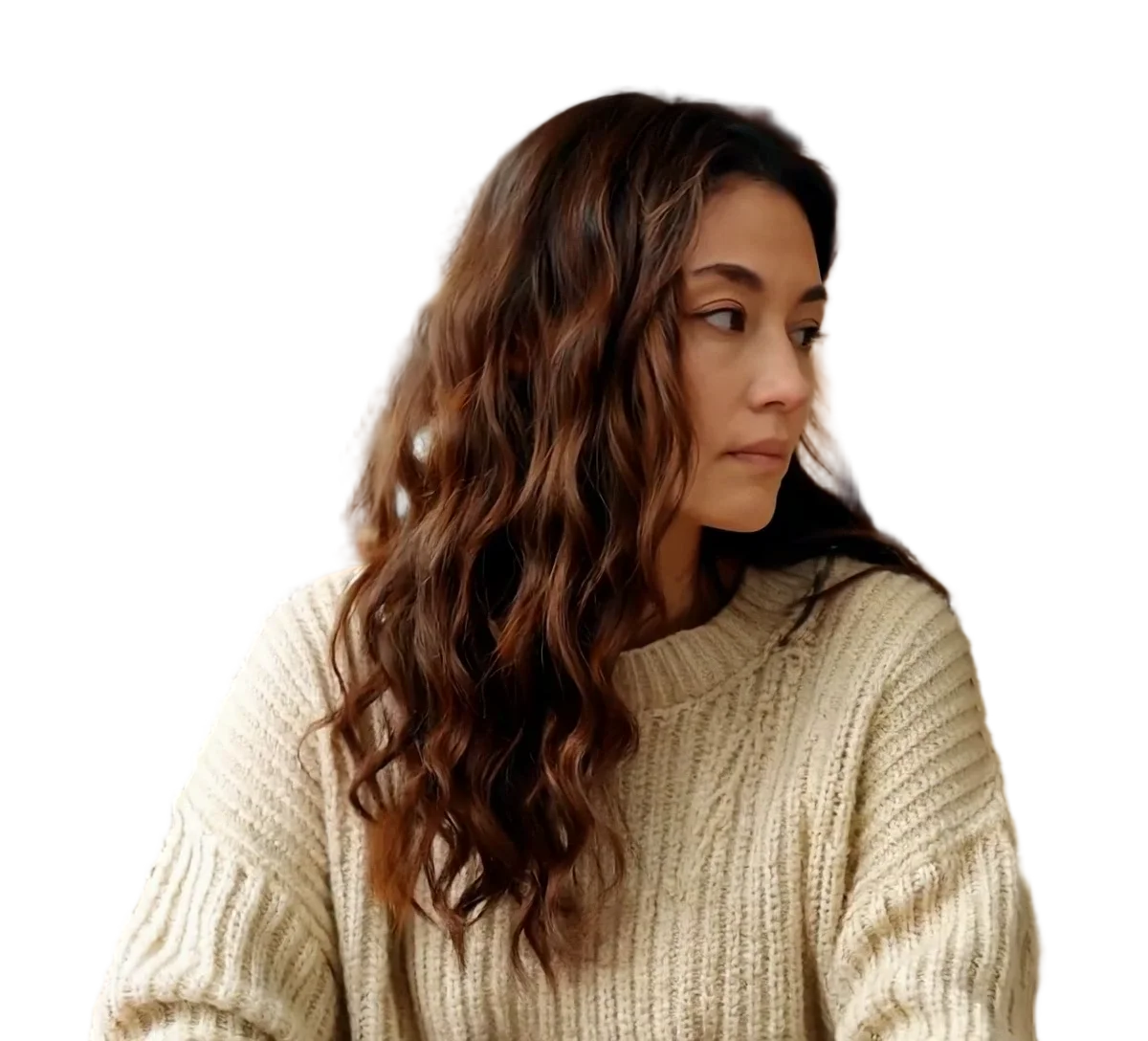
Person
Video model output
Product
Video model output
Colours, stills and what compositing will not do
Two kinds of new background
A hex colour is generated at exactly your frame size, so it always fits. A still you upload is scaled up until it covers the frame and then cropped from the centre, which is where most disappointing results come from.
What makes a background still work
Four properties of the image decide the result before the model is involved at all.
Scroll the table sideways to see every column.
| Property | What to aim for | What happens otherwise |
|---|---|---|
| Resolution | At least your clip frame size, so 1080x1920 for a phone video | It is scaled up to cover and turns soft, while your subject stays sharp |
| Aspect ratio | The same shape as your clip | It is cropped from the centre to fit, so the edges you chose it for are cut off |
| Light direction | Light coming from the same side as the light in your clip | The subject reads as pasted on, and no setting here can fix it |
| File | PNG, JPG or WebP up to 10 MB | Anything else is refused before it reaches the encoder |
The still is stored next to your source under the same prefix, so the same rule that expires your upload expires it too.
What the download is
An H.264 MP4 at the frame size, frame rate and duration of what you uploaded, with the sound carried through.
- Replaced background MP4
- 2.94 MB
- 5 s of the 1080x1920 clip, on a solid colour
- Frame size and frame rate
- 1080x1920 at 30 fps
- Unchanged in every download, duration included
- Wait for the 30-second clip
- About 5 minutes
- Provider runs: 272 s and 300 s, one per subject mode
File sizes are locally measured, September 2026: the same ffmpeg arguments the container runs, against one 1080x1920 clip at 30 fps, 30 seconds of it unless a tile says otherwise. Wait times are from provider runs. These are what that clip produced, not a figure for yours.
Why your still is cropped rather than fitted
A background is scaled up until it covers the frame and then cropped from the centre. The alternative is letterboxing, which would leave black bars where you asked for a background, so a 4:3 photo behind a 9:16 clip loses its left and right rather than shrinking into the middle.
The practical consequence: crop the image yourself first if the part that matters is near an edge. Whatever you upload, the centre survives.
The subject is placed, not relit
This puts your cut-out subject on top of a new background. It does not change the light on the subject to match it, add a shadow where the new floor would be, or tint the edges toward the new colour. A subject shot under warm indoor light on a cold blue evening street will look like two pictures, and that is the tool working as built.
Pick the background around the clip you already have rather than the other way round. If you only need the room gone and not replaced, a blurred background hides far more, because what shows through a slightly wrong edge is the same room out of focus.
Previews are processed at up to 720p. Paid downloads keep the original frame size. Uploads are deleted after 24 hours, finished downloads after 7 days.
Frequently asked questions
Upload a clip of up to 30 seconds, choose People or Objects & pets, and set the output to Replace background. Then either pick a solid colour or upload a still of your own, and press Remove background. The download is an H.264 MP4 at your original frame size, frame rate and duration, with the audio kept. It costs 2 credits per second of video, shown before you start.
At least the frame size of your clip, so 1080x1920 for a phone video shot upright. The still is scaled up until it covers the frame, so a smaller image is enlarged and goes soft while your subject stays sharp, which is the single most visible giveaway. Matching the aspect ratio matters too: anything wider or taller than your clip is cropped from the centre to fit.
Yes, and it is the simpler path. Give a six-digit hex colour and it is generated at exactly your frame size, so there is nothing to scale or crop and no image to upload. The value is checked on the server and anything that is not six hex digits is refused before it reaches the encoder. If the flat colour you want is chroma key green, take green screen video instead, which uses exactly 00FF00.
It will look composited, because it is. Your subject is cut out and placed on the background unchanged: not relit, no cast shadow, no colour bleeding from the new scene onto the edges. The closer the light in your clip matches the light in the background you choose, the less you notice. If the goal is only to hide the room rather than to be somewhere else, blurring the background is more convincing for less effort.
Yes. The sound track of your upload is mapped straight into the MP4, unchanged, along with the original frame rate and duration. Nothing is filtered, compressed differently or trimmed. The one output that cannot keep audio is the transparent GIF, because the GIF format has no audio track to carry it in.
PNG, JPG or WebP, up to 10 MB. The file is checked for its type, size and dimensions before it is used, and anything else is refused. It is stored alongside your source video under the same prefix, which means the storage rule that expires your upload expires your background still on the same schedule rather than leaving it behind.
No. The choice applies to the whole clip, and the model decides what the subject is in every frame rather than taking a brush selection from you. There is no keyframing and no per-second switching. If you need the background to change partway through, process the clip once per background and cut the results together in an editor afterwards.
Not in one step here: the background you supply is a colour or a still image. To composite over moving footage, take the transparent WebM or the ProRes 4444 MOV of your clip and lay it over your background video in an editor, which also gives you control over position and scale that this page deliberately does not offer.